> For the complete documentation index, see [llms.txt](https://local.docs.ssaudit.com/llms.txt). Markdown versions of documentation pages are available by appending `.md` to page URLs; this page is available as [Markdown](https://local.docs.ssaudit.com/english-1/costing-method/7.5-phased.md).
# 7.5 Phased
## PHASED:
**Setup costing by CostCenter, by Phased and by Group Product**
> **Example:** A shirt factory has 3 phases: Cutting, Sewing, and Finishing.
>
> * Total cost in 06/2026: Materials 150,000,000 VND, Labor 70,000,000 VND, Overhead 30,000,000 VND
> * Phase allocation rate: Cutting 30%, Sewing 50%, Finishing 20%
> * Product group "Men's shirts" coefficient 1.0 and "Women's shirts" coefficient 0.8; the system allocates costs by phase and then calculates cost for each product group.
### Step 1: Create Costcenter and setup allocate expense.
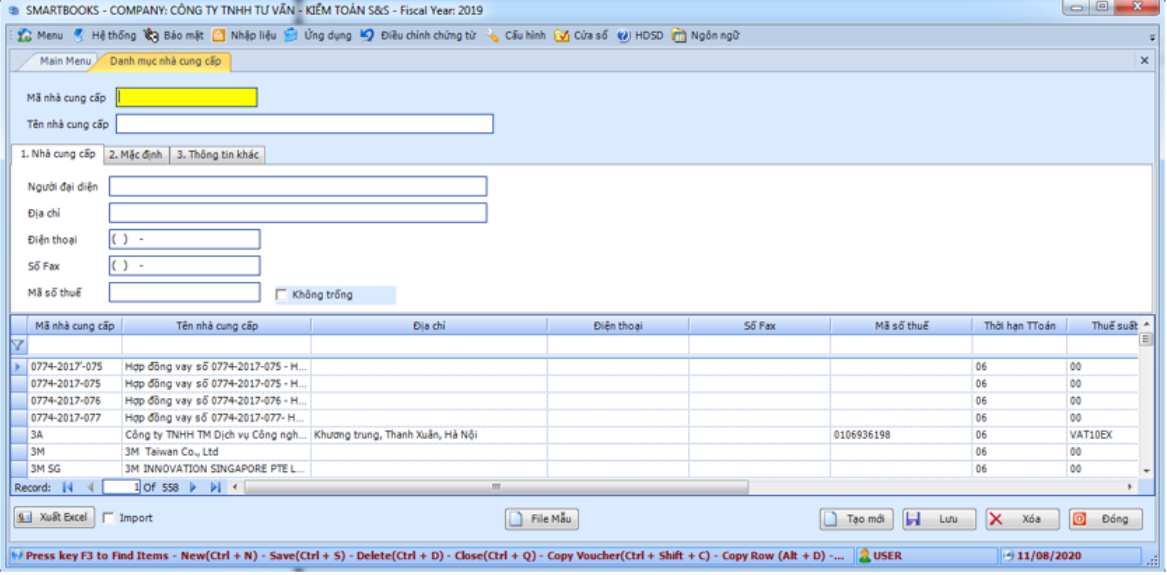
From Main Menu choose General Setting Information, CostID:
CostCenter ID
CostCenter Name
Cost Group: 621 : Raw material, 622: Labour cost and 627: Overhead cost.
Setup allocate expense:
* PhaseID: set up expense for each phase. Phased should be 1,2,3,etc… or All (All of phase)
* CostMethodID: is method allocate expense for each group product, product
* Option 1 : allocate direct material
* Option 2 : allocate by rate
* Option 3 : allocate by customize
### Step 2: Setup rate allocate expense for each phase.
Firstly, expense after summary in period will be allocated for each phased.
AllocationPhaseID: Default is option 1 (use for all CostCenterID)
PhaseID: phase No.
Rate: rate for each PhaseID
FromDate -ToDate: Time to apply
### Step 3: Setup rate for each Group Product
Applied when allocate expense by quantity multiplication rate (CostMethodID = 2, AllocationMethodID = 1).
Firstly, expense after summary will be allocate for each phase, second will be allocate for each group.
* Setup:
GroupID:
Rate: If evenly distributed by quantity should be choose 1 for all GroupID
PhaseID
FromDate -ToDate: Time to apply
### Step 4: Setup rate for each product
Applied when allocate expense by quantity multiplication rate (CostMethodID = 2, AllocationMethodID = 1). Firstly, expense after summary will be allocate for each phase, second will be allocate for each group, third will be allocate for each product
Setup:
ProductID
Rate: rate by Coefficient, Selling price or Simple method.
PhaseID
FromDate -ToDate: Time to apply